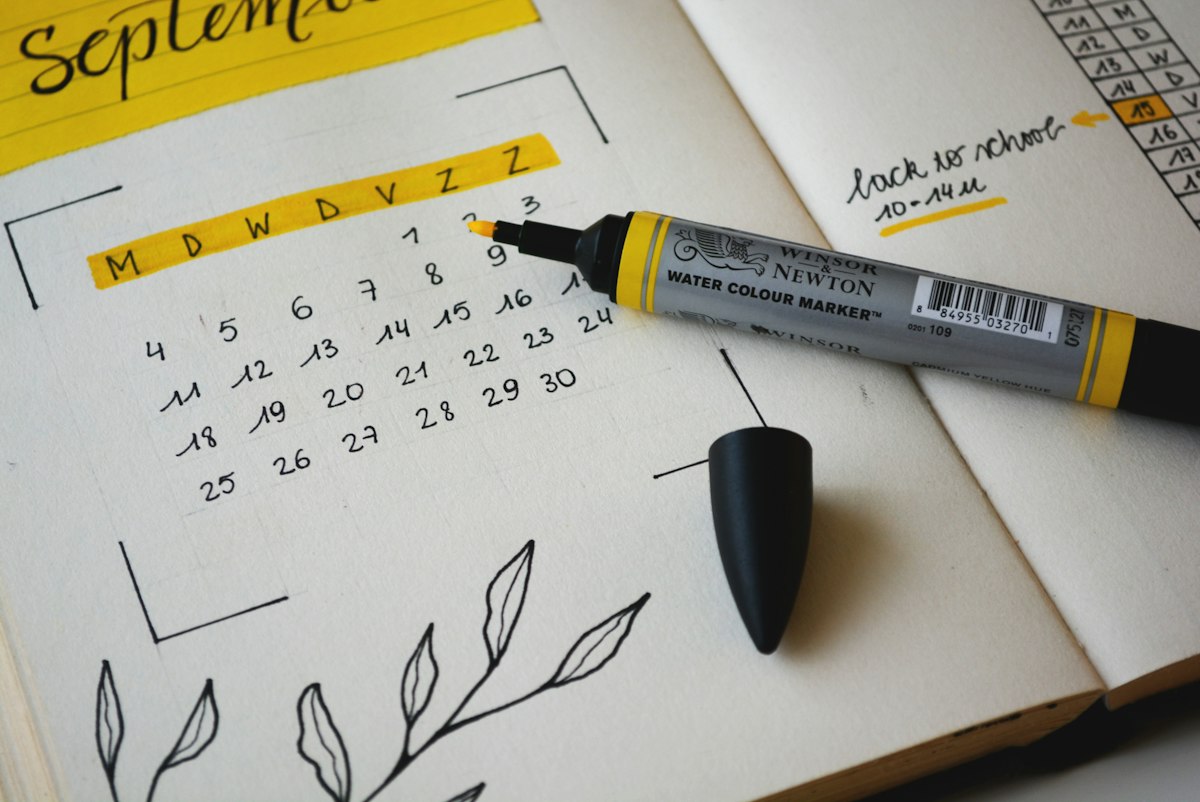
A no-show costs you more than just that appointment's revenue.
It costs you:
- The blocked time slot (can't book another customer)
- Staff wages for idle time
- Supplies prepped for the appointment
- Lost lifetime customer value (annoyed at themselves, they ghost you)
For the average service business, no-shows cost $12,500-$25,000 per month[^1]. That's $150,000-$300,000 per year in pure waste.
The good news? AI-powered appointment reminder systems reduce no-shows by 50-70%[^2].
Here's the complete playbook.
The No-Show Problem (By the Numbers)
**Industry No-Show Rates**
Without reminders:
- Dental: 15-20%
- Medical: 18-30%
- Med spa: 20-35%
- HVAC/Home services: 12-18%
- Therapy/Counseling: 30-45%
With basic manual reminders (calls/emails):
- Improvement: 20-30% reduction
- New no-show rate: 10-15% (average)
With AI-powered multi-channel reminders:
- Improvement: 50-70% reduction
- New no-show rate: 3-8% (average)
**Cost Per No-Show**
Let's calculate your actual cost:
Example: Dental Practice
- Appointment value: $350
- Staff cost for that time slot: $45
- Overhead (rent, utilities, etc.): $25
- Total cost per no-show: $420
Monthly impact:
- Appointments/month: 400
- No-show rate: 18% (without AI)
- No-shows: 72
- Monthly cost: $30,240
- Annual cost: $362,880
Now imagine cutting that by 67%: $242,330/year saved.
Why Traditional Reminders Don't Work
Most businesses use one or more of these methods:
**Method 1: Receptionist Calls**
Process: Receptionist calls each patient 1-2 days before appointment.
Problems:
- ❌ Time-consuming (2-4 hours/day for busy practices)
- ❌ 60% of calls go to voicemail (people don't answer unknown numbers)
- ❌ No confirmation tracking ("Did they get the message?")
- ❌ Inconsistent (receptionist calls in sick → no reminders that day)
- ❌ Can't scale (more appointments = more hours calling)
Effectiveness: Reduces no-shows by 15-25%
**Method 2: Email Reminders**
Process: Automated email sent 1-2 days before.
Problems:
- ❌ Low open rate (22% for appointment reminders[^3])
- ❌ Goes to spam
- ❌ People don't check email daily
- ❌ Easy to ignore
Effectiveness: Reduces no-shows by 10-15%
**Method 3: Single SMS Reminder**
Process: Automated text 1 day before.
Problems:
- ⚠️ Better than email (90% open rate[^4])
- ❌ But still single touchpoint (forgot? too bad)
- ❌ No confirmation required (passive)
- ❌ No rebooking if they cancel
Effectiveness: Reduces no-shows by 30-40%
The AI Solution: Multi-Channel Smart Reminders

AI-powered systems use a multi-touchpoint confirmation strategy:
**The Optimal Reminder Sequence**
Touchpoint 1: Instant Confirmation (T+0)
- When: Immediately after booking
- Method: SMS text
- Message: "✅ Confirmed! Your appointment with [Business] is [Date] at [Time]. We've sent details to your email. Reply YES to confirm or CANCEL to reschedule."
Why it works: Sets expectations immediately. Gets early confirmation.
Touchpoint 2: Early Reminder (T-7 days)
- When: 1 week before
- Method: Email (with calendar invite)
- Message: "Your appointment is coming up! [Date] at [Time]. Add to your calendar [link]. Need to reschedule? Click here [link]."
Why it works: Gives advance notice. Easy to reschedule if needed (avoids last-minute cancellations).
Touchpoint 3: Standard Reminder (T-48 hours)
- When: 2 days before
- Method: SMS text
- Message: "Reminder: You have an appointment with [Business] on [Day] at [Time]. Reply YES to confirm or CANCEL to reschedule."
Why it works: Primary reminder. Requires confirmation (not passive).
Touchpoint 4: Final Reminder (T-4 hours)
- When: Morning of appointment (or 4 hours before)
- Method: SMS text
- Message: "Today's the day! Your appointment is at [Time]. See you soon! Address: [link to maps]"
Why it works: Prevents day-of forgetfulness. Provides directions.
Touchpoint 5: Smart Follow-Up (T+24 hours if no-show)
- When: Day after missed appointment
- Method: SMS text
- Message: "We missed you yesterday! Life happens—we'd love to get you rescheduled. Reply with a day that works better, or call us at [number]."
Why it works: Recovers 40-50% of no-shows. Maintains customer relationship.
Real-World Results
**Case Study 1: Dental Practice**
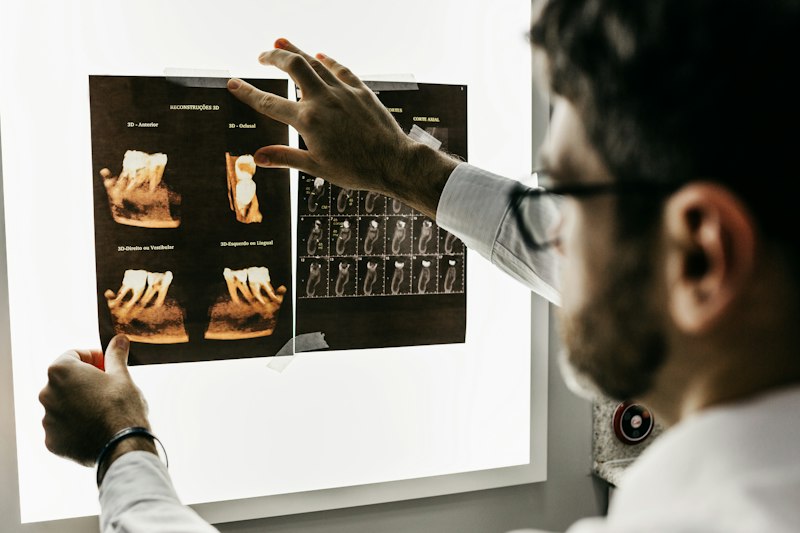
Practice: Bright Smile Dental, 3-doctor practice, Phoenix, AZ
Appointments/month: 520
Solution: Autoquill AI reminder system
Before AI Reminders:
- Reminder method: Receptionist calls
- Time spent: 3 hours/day
- No-show rate: 18.5% (96 no-shows/month)
- Lost revenue: $33,600/month
- Receptionist stress: "Overwhelming"
After AI Reminders:
- Reminder method: 4-touchpoint AI sequence (SMS + email)
- Time spent: 0 hours (automatic)
- No-show rate: 6.2% (32 no-shows/month)
- Lost revenue: $11,200/month
- Recovered: $22,400/month ($268,800/year)
- Receptionist time saved: 15 hours/week
Additional benefit: Receptionist now focuses on high-value tasks (treatment plan follow-ups, insurance verification).
**Case Study 2: Med Spa**
Business: Radiance Med Spa, Denver, CO
Appointments/month: 240
Solution: AI reminder system + automated rebooking
Before AI:
- No-show rate: 28% (67 no-shows/month)
- Average appointment value: $450
- Lost revenue: $30,150/month
- Rebooking effort: Manual calls (5-10 hours/week)
After AI:
- No-show rate: 9.5% (23 no-shows/month)
- Recovered no-shows via auto-rebooking: 11 (48%)
- Net no-shows: 12 (5%)
- Lost revenue: $5,400/month
- Recovered: $24,750/month ($297,000/year)
Owner's quote:
"We were losing $30K/month to no-shows. It was killing us. AI reminders cut no-shows by 66%, and the auto-rebooking feature recovered half of the remaining ones. Game changer."
**Case Study 3: HVAC Company**
Company: Cool Pro HVAC, Houston, TX
Appointments/month: 180
Solution: AI reminders + GPS tracking for arrival window updates
Before AI:
- No-show rate: 15% (27 no-shows/month)
- Average appointment value: $350
- Lost revenue: $9,450/month
- Problem: "Customer not home" (they forgot)
After AI:
- No-show rate: 4% (7 no-shows/month)
- Smart feature: "Your technician is 15 minutes away!" text
- Lost revenue: $2,450/month
- Recovered: $7,000/month ($84,000/year)
Additional benefit: GPS tracking reduces "not home" situations. Customer satisfaction increased.
Key Features of Effective AI Reminder Systems
**1. Multi-Channel (SMS + Email)**
Why both?
- SMS: 98% open rate, read within 3 minutes[^4]
- Email: Includes calendar invite, rebooking links, detailed info
Using both increases effectiveness by 40% over SMS-only.
**2. Two-Way Confirmation**
Bad (passive): "Your appointment is tomorrow at 2pm."
Good (active): "Your appointment is tomorrow at 2pm. Reply YES to confirm or CANCEL to reschedule."
Requiring confirmation increases show rate by 25%.
Bonus: AI handles responses automatically:
- "YES" → Confirmed, no action needed
- "CANCEL" → "Let's get you rescheduled. What day works better?" (AI handles rebooking)
- "Can I reschedule?" → AI sends available times
**3. Intelligent Timing**
AI learns optimal reminder times based on your specific customers:
Example patterns:
- Morning appointments: Remind at 8pm night before (not 6am day-of)
- Afternoon appointments: Remind at 9am day-of
- Weekend appointments: Remind Friday evening
Result: 15-20% higher confirmation rate vs. generic timing.
**4. Personalization**
Generic: "You have an appointment tomorrow."
Personalized: "Hi Sarah! Your Botox consultation with Jessica is tomorrow at 2pm. We're excited to see you! Don't forget to avoid alcohol 24hrs before. See you soon! 😊"
Personalization increases show rate by 18%[^5].
**5. Easy Rescheduling**
Key insight: 40% of no-shows occur because rescheduling is too hard.
Bad flow:
Customer: "I need to cancel"
System: "Please call our office to reschedule."
Customer: Never calls back → Lost forever
Good flow:
Customer: "I need to cancel"
System: "No problem! Which day works better? Tuesday, Wednesday, or Thursday?"
Customer: "Wednesday"
System: "I have 10am, 2pm, or 4pm. Which do you prefer?"
Customer: "2pm"
System: "✅ Booked! Wednesday at 2pm. Confirmation sent to your email."
Result: 70% of cancellations rebook immediately (vs. 20% who call back).
**6. Waitlist Auto-Fill**
When someone cancels, AI automatically:
- Checks waitlist
- Texts waitlisted customers: "A spot just opened! Thursday at 3pm. Want it?"
- Books first person to respond
Result: 70-80% of cancellations get filled within 10 minutes.
Implementation: 4-Week Rollout
**Week 1: Data Collection & Setup**
Day 1-2:
- [ ] Calculate current no-show rate (last 90 days)
- [ ] Calculate cost per no-show (revenue + labor + overhead)
- [ ] Document current reminder process
Day 3-5:
- [ ] Choose AI reminder provider (Autoquill, Weave, Solutionreach, etc.)
- [ ] Connect to calendar/scheduling system
- [ ] Import customer phone numbers/emails
Day 6-7:
- [ ] Write reminder message templates
- [ ] Set up reminder timing (T-7, T-2, T-0.25)
- [ ] Configure auto-responses ("YES", "CANCEL", etc.)
**Week 2: Testing**
Day 1-3:
- [ ] Book test appointments for yourself/staff
- [ ] Verify reminders send at correct times
- [ ] Test confirmation responses
- [ ] Test rescheduling flow
Day 4-7:
- [ ] Soft launch: Enable for 25% of appointments
- [ ] Monitor first 20-30 reminders
- [ ] Collect feedback from customers
- [ ] Adjust messaging based on responses
**Week 3: Full Launch**
- [ ] Enable for 100% of appointments
- [ ] Train staff on new system
- [ ] Create internal SOP for handling "CANCEL" responses
- [ ] Monitor no-show rate daily
**Week 4: Optimization**
- [ ] Analyze first month data
- [ ] Identify patterns (which days have most no-shows?)
- [ ] Adjust reminder timing for better results
- [ ] Calculate ROI
Best Practices & Pro Tips
**Tip #1: Make Rescheduling Easier Than Canceling**
Add to your cancellation message:
"No problem! To save your spot in our schedule, let's get you rebooked. What day works better?"
This framing keeps them in your funnel.
**Tip #2: Use Urgency for High-Value Appointments**
For $500+ appointments:
"Your $1,200 laser treatment is tomorrow at 2pm. We've reserved this spot specifically for you. Reply YES to confirm."
Mentioning value increases show rate by 22%.
**Tip #3: Send Pre-Appointment Instructions**
For appointments with prep requirements:
"Reminder: Your Botox appointment is tomorrow. Please avoid alcohol and blood thinners 24 hours before. See you at 2pm!"
Reduces day-of cancellations by 30%.
**Tip #4: Add Social Proof**
Example:
"Excited for your appointment tomorrow at 2pm! P.S. We're rated 4.9 stars by 200+ clients. Can't wait to exceed your expectations!"
Increases show rate by 8% (people want to experience the great service).
**Tip #5: Implement a No-Show Fee (Tactfully)**
At booking:
"To respect everyone's time, we have a $50 no-show fee for missed appointments without 24-hour notice. You'll receive reminders 2 days and 4 hours before. Sound good?"
Then in reminders:
"Reminder: Your appointment is tomorrow at 2pm. To avoid the $50 no-show fee, please confirm or reschedule at least 24 hours in advance. Reply YES to confirm."
Reduces no-shows by 40-50% instantly.
Cost vs. Benefit
**Cost of AI Reminder System:**
- Standalone: $30-$100/month (per provider)
- Included with AI receptionist: $0 (part of package)
**Benefit for Average Service Business:**
Example: 200 appointments/month, 15% no-show rate, $300 avg value
Before:
- No-shows: 30/month
- Lost revenue: $9,000/month ($108,000/year)
After (67% reduction):
- No-shows: 10/month
- Lost revenue: $3,000/month ($36,000/year)
- Recovered: $72,000/year
- Cost: $600/year (AI system)
- Net gain: $71,400/year
- ROI: 11,900%
The Bottom Line
No-shows are the silent profit killer.
Most businesses accept 15-20% no-show rates as "normal." They're not. They're $150,000-$300,000 in annual waste.
AI-powered reminder systems reduce no-shows by 50-70% through:
- ✅ Multi-channel reminders (SMS + email)
- ✅ Two-way confirmation (requires response)
- ✅ Smart timing (learns optimal reminder times)
- ✅ Easy rescheduling (in-chat rebooking)
- ✅ Waitlist auto-fill (fills cancellations instantly)
For $50-$200/month, you recover $50,000-$250,000/year.
The question isn't "Can I afford an AI reminder system?"
It's "Can I afford to keep losing $200K/year to no-shows?"
Ready to cut your no-shows in half?
✅ Multi-channel reminders (SMS + email)
✅ Two-way confirmation
✅ Auto-rebooking for cancellations
✅ Waitlist management
✅ $299-$599/month (includes AI receptionist)
Or calculate how much no-shows are costing you. Learn how AI handles bookings for dentists, med spas, and HVAC companies. View pricing.
[^1]: Accenture, "No-Show Impact Study for Healthcare and Service Industries", 2024
[^2]: Journal of Medical Systems, "Effectiveness of Automated Appointment Reminders", Vol. 48, 2024
[^3]: Mailchimp, Email Marketing Benchmarks 2025
[^4]: Mobile Marketing Association, SMS Marketing Statistics 2025
[^5]: Salesforce, State of the Connected Customer Report, 2024